Procedurally generated trees are a great way to add life and variety to a project – and are simple to create with recursion. Recursion (using a function that calls itself) is often used to generate branching structures. This can be abstract, using recursive branching to explore all of the paths in a maze or the future moves in a game of chess. Or it can be explicit, as is done here using a branching structure to procedurally generate fractal trees.
For trees the basic building block function is a branch. Each time we draw one branch we follow it with two (or three or more) additional branches drawn at the end of the first branch, and at slightly different angles:


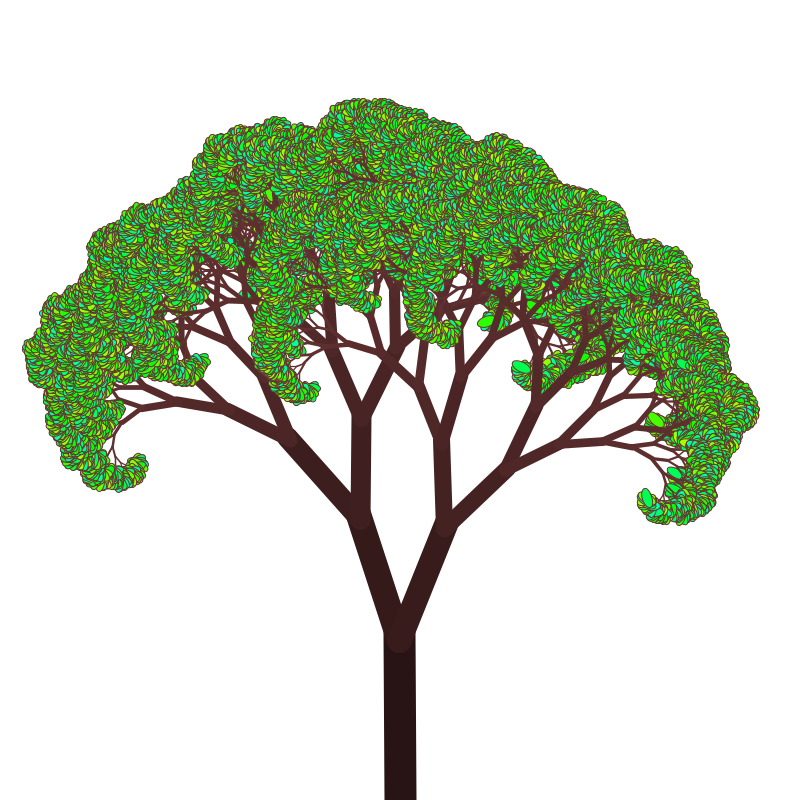
The basic code for a procedural tree is:
void setup(){ // This function is run once to 'setup' the program
 size(800,800); // Create a window 800x800 pixels
}
void draw(){ // Loops continuously to redraw the screen
  background(200); // Clear the screen
  translate(width * 0.5, height); // Move to the bottom, center
  rotate(-PI * 0.5); // Rotate the initial branch points upward
  branch(180); // Initial branch length of 180 pixels
}

// Recursive function to draw a branch and its sub-branches
void branch(float len){
  line(0, 0, len, 0); // Draw a branch
  if(len > 4){ // If long enough, draw two smaller branches
    // Calculate the branch angle based on mouse X position
    float angle = map(mouseX, 0, width, 0, 0.5 * PI);
    // Calculate the shrinkage based on mouse Y position
    float scale = map(mouseY, 0, height, 0.4, 0.8);    pushMatrix(); // Save the current transformation state       translate(len, 0); // Move to the end of the branch
       // Rotate left and draw the left branch
       rotate(-angle);
       branch(len * scale);
       // Rotate right (2x the angle) and draw the right branch
       rotate(2 * angle);
       branch(len * scale);
       // Restore the previous transformation state
    popMatrix();  }
}
The basic idea is that the branch() function draws a line, rotates left and calls branch() again to draw the left branch, then rotates right and calls branch() again to draw the right branch.
An important aspect of this code is the coordinate transforms represented by the lines:
pushMatrix();
  translate(len,0);
  rotate(angle);
  popMatrix();
pushMatrix() stores the current coordinate system. translate(len,0) shifts the origin of the coordinate system to the end of the current branch and rotate(angle) rotates the coordinate system so that the x-axis points in the direction that the next branch should be drawn in. This is why the command to draw a new branch is just line(0,0,len,0) – the entire coordinate system has been shifted and rotated so that the branch is just a line in the x direction. The final popMatrix() restores the stored coordinate system to draw the other (e.g. the right) branch. (See the post Using Coordinate Transforms to learn more about how to use transforms in Processing.)
This version of the code controls the shape of the trees with the mouse. The line:angle = map(mouseX, 0, width, 0, 0.5 * PI);
sets the angle between the branches by taking the X position of the mouse, which varies from 0 to the width of the window and remapping it between 0 and 0.5*PI. The map() function is a very useful function to be familiar with because it’s often useful to be able to map a variable from one range of values to another. Similarly, the line:float scale = map(mouseY, 0, height, 0.4, 0.8);
Takes the Y position of the mouse, which ranges from 0 to the height of the window, and maps it to 0.4 to 0.8, the amount that each successive branch shrinks by.
One thing to be careful of when using recursion – it uses a lot of the stack memory because every time a recursive function call is made the system has to store the current state of the program so that the computer can return to it when the recursive call is complete. If you use to much recursion and run out of memory on the stack you get the infamous stack overflow error. In this code you can get a stack overflow by not shrinking the successive branches enough, e.g. if you only shrink each next branch by 0.95 then it takes many, many recursive calls before the branch length is less than 4 (the current cut-off for recursion) and you are likely to run out of stack memory.
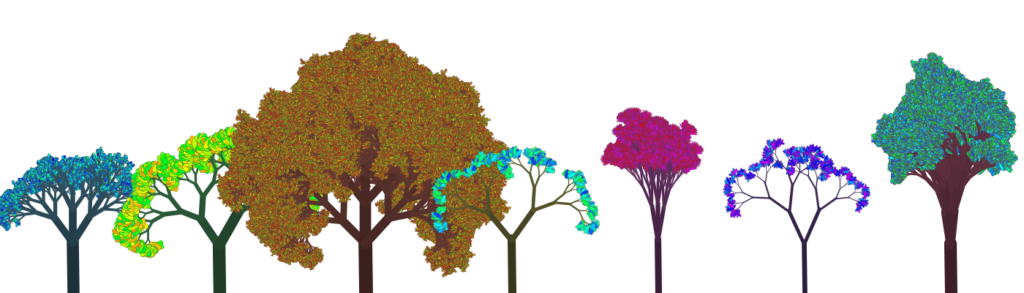
To make these look more like real trees we need to add randomness and thickness to the branches, some color, and leaves. Randomness is added by adding some noise to the len and angle variables. It takes a surprisingly little amount of variation to make the trees look more natural.
The earlier, e.g. longer, branches should be thicker. So, it’s easy to add a line like strokeWeight(len*0.1) before drawing the lines to make the longer branches thicker. Similarly the color of the branches can be set as a function of the len variable so, for example, the later, thinner branches are also lighter.
Leaves (or fruit or flowers) are added to the end of the branchers when a new branch isn’t going to be drawn. So, the conditional becomes:if(len > 4){
// draw more branches - the current code
} else {
// draw leaves, e.g. green ellipses
}
How you draw the leaves is up to you, but adding some randomness to the colors, e.g. having a small variety of greens, makes them stand out well. And autumn colors can be very impactful.
Here is a complete Processing program to draw randomized trees with leaves and fruit:
3D Trees
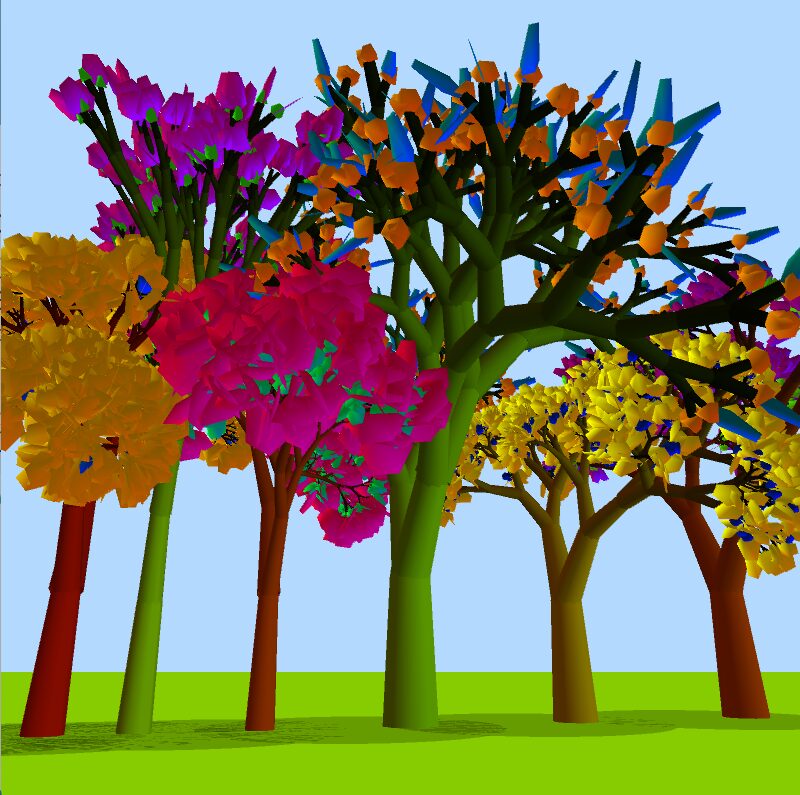
If you are familiar with Processing’s 3D mode it’s fairly easy to translate this code to 3D. Primarily the rotations to create the branches are replaced with two rotations: rotateX() followed by rotateY() to get the branches to branch in 3-dimensions. It’s helpful to replace the angle variable in the preceding code with two angles, e.g. angleX and angleY, to have more control over the branching angles.
You can continue to use lines in 3D, but they won’t look exactly right. Instead you can replace the line() commands with Processing’s built in box() primitive. Because box() only takes one argument and draws a cube by default, the scaleX() command is used to stretch the box into a branch. Or a quad strip can be used to draw and actual cylinder.
Happy Coding!
Leave a Reply