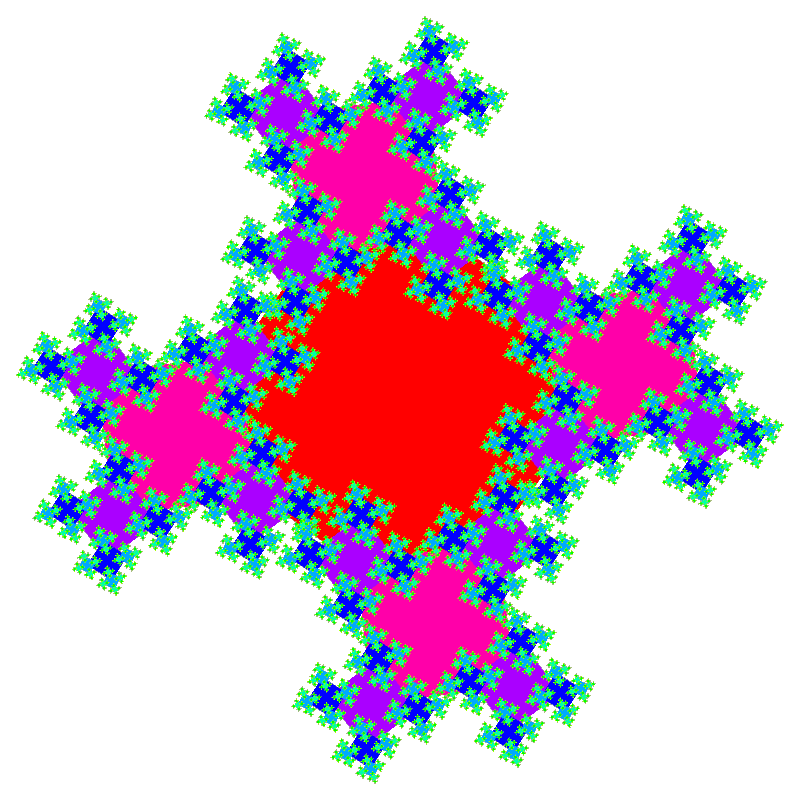
Fractals are patterns that appear similar at different scales, known as self-similarity. That is fractals display a similar structure when you zoom in or out on them. Fractal patterns appear everywhere in nature. If you zoom in on a tree, the branching of the twigs is similar to the branching of the tree. If you zoom in on a mountain range you see that it is made up of smaller and smaller mountainous shapes down to little hillocks of dirt. The same is true of coastlines, rivers, snowflakes, and hundreds of other natural shapes. Man-made structures, like road networks, also often form fractals.
Because they are often seen in nature and have an inherent beauty, generating fractal images is often one of the goals of procedural generation. And because fractals have similar patterns at different scales, they are simple to create using recursion.
Recursion is when a function calls itself, for example:
mySquare(x,y,len){
   ...
   square(); // draw one square
   ...
   if len > threshold // check stop
      len *= 0.5;
      x += len;
      y += len;
      // draw another square
      mySquare(x,y,len);
   ...
}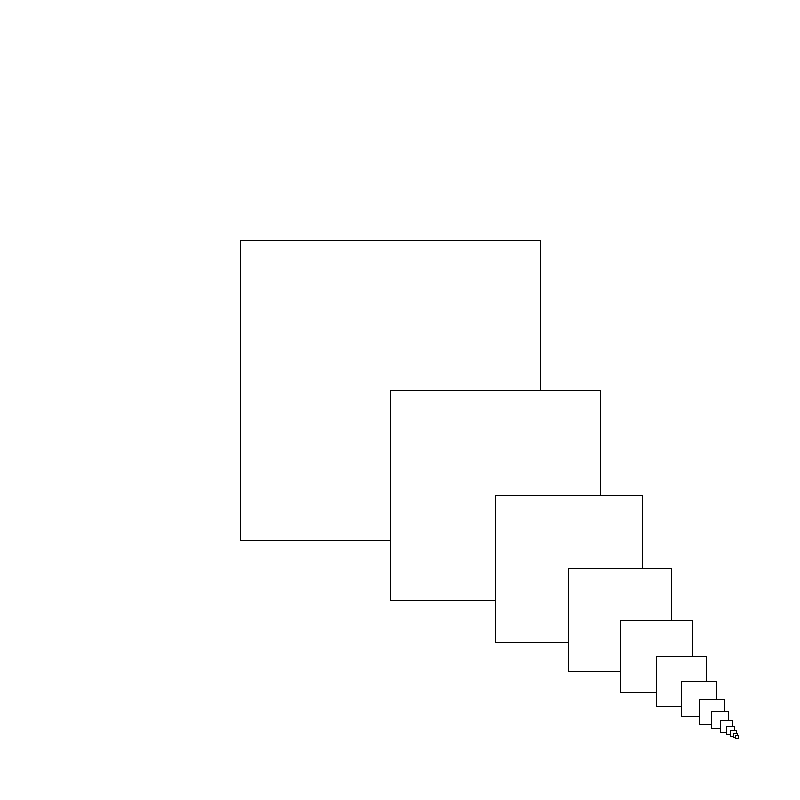
Recursion occurs simply when a function calls itself, with slightly modified arguments, as shown in the code snippet above. Recursive functions, functions that call themselves, must have a stopping condition to avoid going into an infinite loop. The stopping condition is based on the arguments, when they get too small, or too large, or reach a set value, the function stops calling itself, ending the looping. In the previous example the size of the square gets smaller and its size is used as the stopping condition – when the size of the squares reach a specific threshold, the recursive function stops calling itself.
The number of times the recursive function is called before stopping is known as the depth of recursion.
A recursive function can call itself more than once in a single iteration (see the example below). This means that each time the function runs, it spawn multiple new calls to itself, each with different arguments. These separate calls cause the program to create multiple recursive branches that form a tree-like structure. This branching behavior is common for drawing or traversing trees, generating fractals, and problems like exploring all possible moves in a game or all possible paths in a maze, problems where the solution naturally involves exploring multiple, recursive, options.
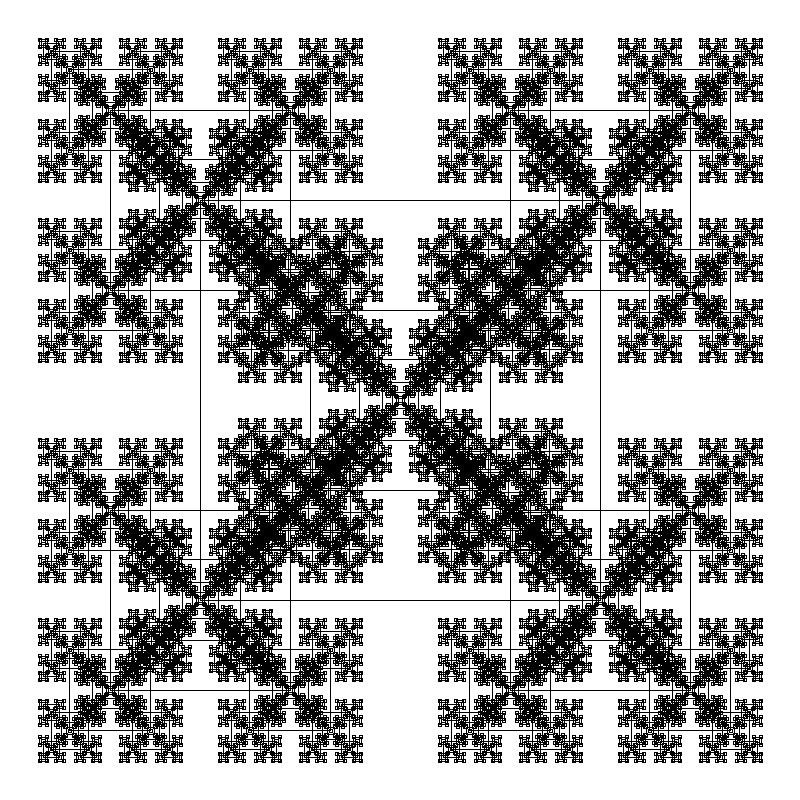
// Code to create a 'snowflake' of squares.
float scale = 0.45; // shrink successive squares by this much

void setup() {
  size(800, 800);  // create a 800x800 pixel window
  rectMode(CENTER);  // define rectangle's location by their centers
}

void draw() {
  background(255); // set the background to white
  // draw the first square
  mySquare(width * 0.5, height * 0.5, 300);
}

void mySquare(float x, float y, float len) {
  square(x, y, len); // draw the square
  if (len > 5) {  // if the size is large enough, draw 5 more
    float newLen = len * scale;     // new, smaller size
    mySquare(x-len / 2, y-len / 2, newLen); // upperleft square
    mySquare(x-len / 2, y+len / 2, newLen);  // lowerleft square
    mySquare(x+len / 2, y-len / 2, newLen);  // upperright square
    mySquare(x+len / 2, y+len / 2, newLen);   // lowerright square
    mySquare(x, y, newLen);          // center square
  }
Building on this simple program it is possible to create a huge variety of intricate fractal shapes. Here are a few things you can try:
- Different scales: values between 0.4 and 0.5 can give very different patterns.
Or use the mouse position to control the scale. In this case themap()function is very helpful. Themap()function maps a variable from one range to another. A command like:scale = map(mouseX,0,width,0.4,0.5)uses the mouse’sxposition, but mapped to an appropriate range. - Different shapes: instead of drawing squares try making each shape a circle or an ellipse.
- Different colors: use the
lenvariable, or a new parameter, to set the color of the shapes and change it, similar to the size change, with each recursive call. - Add rotations: add a
rotate(angle)command to rotate the coordinate system. Try basing the angle on the depth of recursion or relate the angle to the currentframeCountso the squares rotate over time.
Happy Coding!
Leave a Reply